

How preorders work
Take orders and deposits for devices that are not in stock yet, then hand them over when they arrive.
What you need first
- The Preorders module switched on in Settings → Modules.
Steps
A customer asks for a device you do not have. You take a preorder: the device, their name and phone, and a deposit.
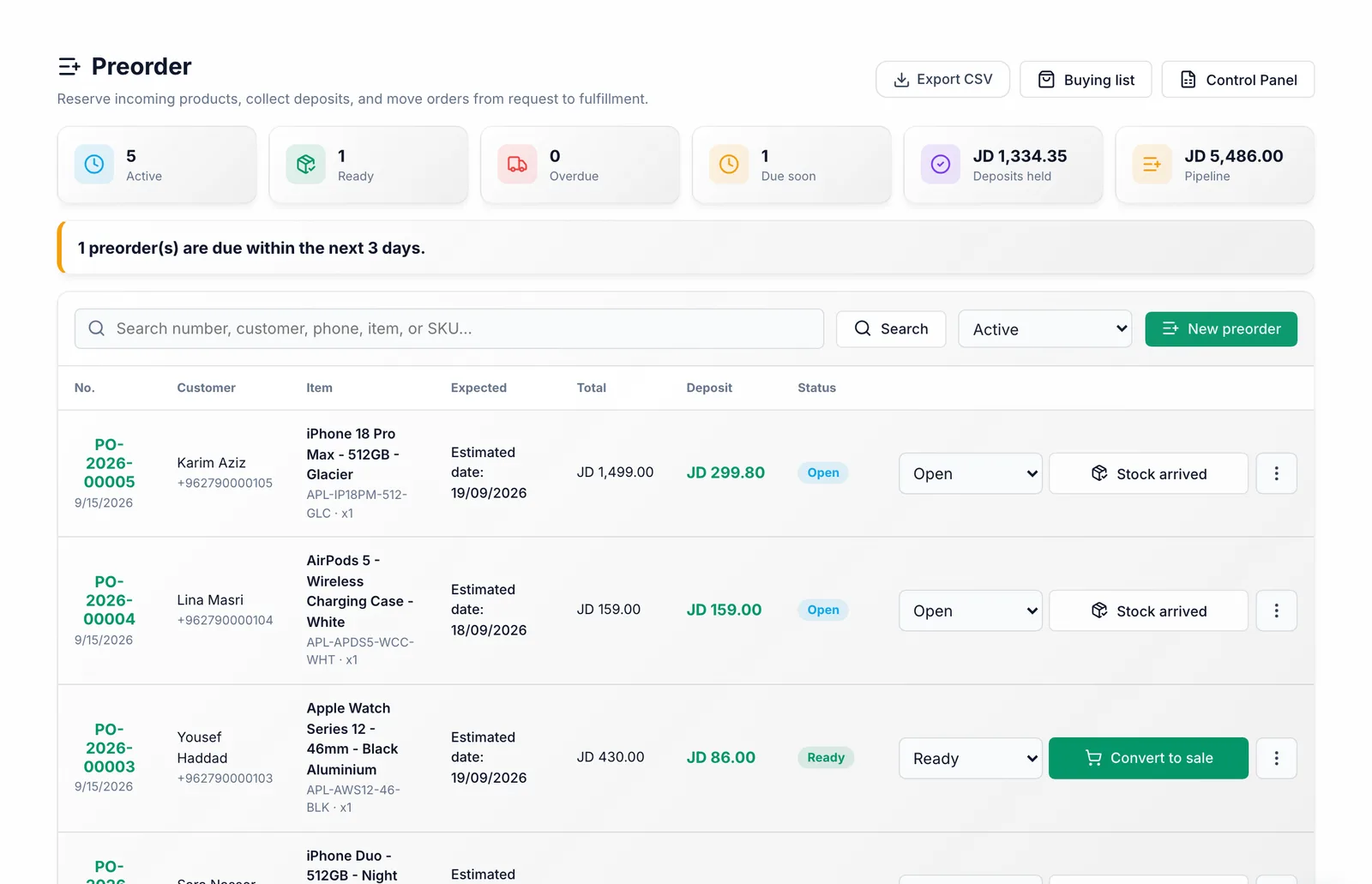
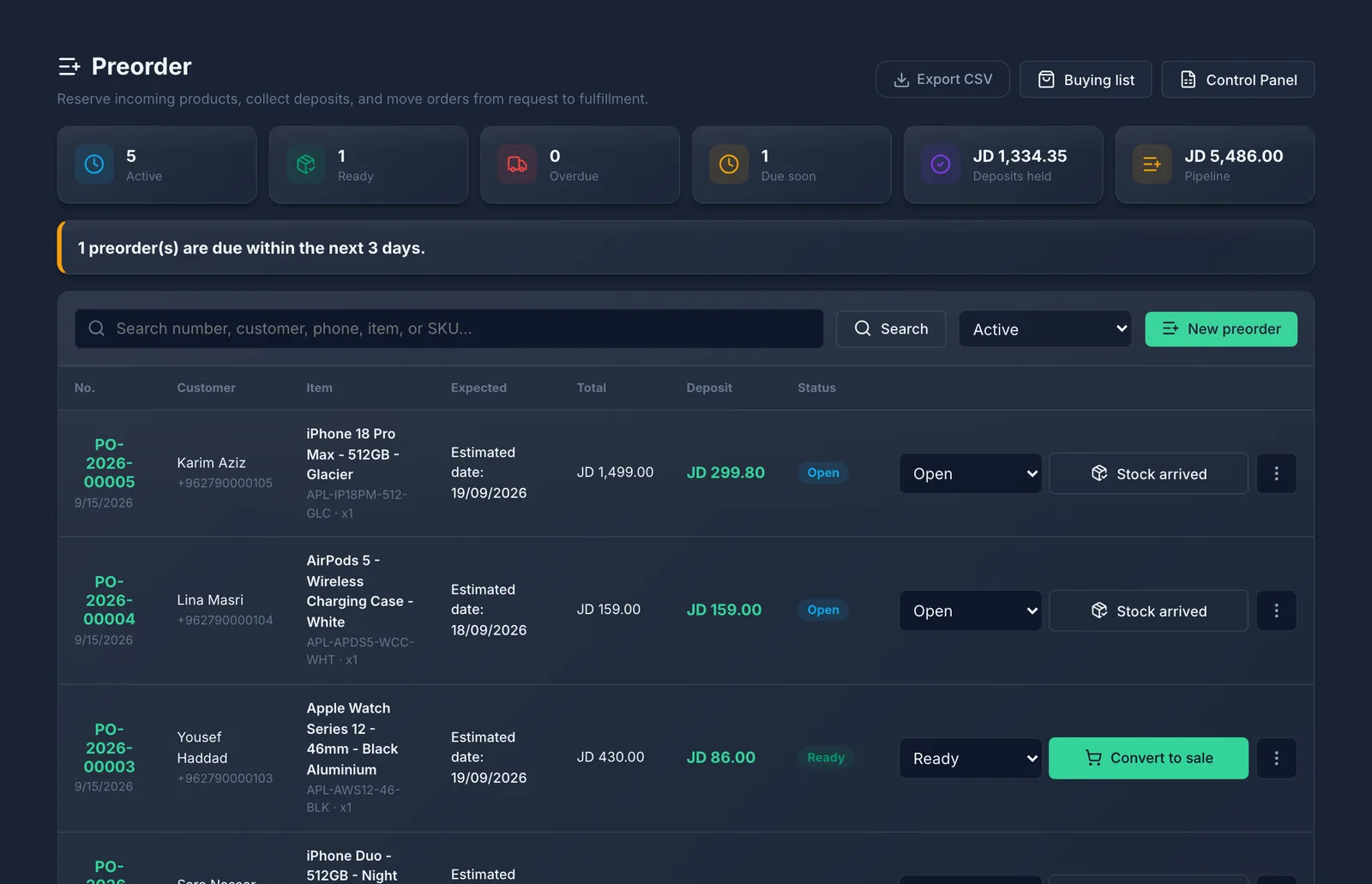
The Buying list adds up every device customers have paid for, grouped by the shop you buy from. You order them and mark them as ordered.
When devices arrive, export Distribution priority from the buying list. It lists every waiting customer for each device, oldest order first, across all branches, so the longest-waiting customer gets theirs first.
When the devices arrive you press Stock arrived and the order becomes Ready. Call the customer to collect.
The customer comes in and takes the device. You press Mark delivered and the order becomes Fulfilled.
What you should see
Each preorder moves through these statuses: Open → Ordered → Ready → Fulfilled. You can cancel one at any point before it is fulfilled. A deleted preorder is kept under the Deleted filter and can be restored with Restore.
Common mistakes
- Taking a deposit in cash and not recording a preorder. The money then has no customer or device attached to it.
- Expecting a preorder to move your stock or record a sale. It does neither — it only tracks the order through its four statuses.