

When the devices arrive
Mark the delivery as arrived so the orders show as Ready, then let the customers know.
What you need first
- Preorders that are Open or Ordered.
Steps
If every unit of a device arrived, open Buying list and click Stock arrived — receive all on the device, then confirm.
If only some units arrived, click Distribution priority on the buying list first. It lists the waiting customers for each device, oldest order first, from every branch. Give the units to the customers at the top of the list.
For each of those customers, find the order in Preorders and click Stock arrived on its row. If the order has more than one device, tick how many of each arrived (for example 2 of 3), then confirm.
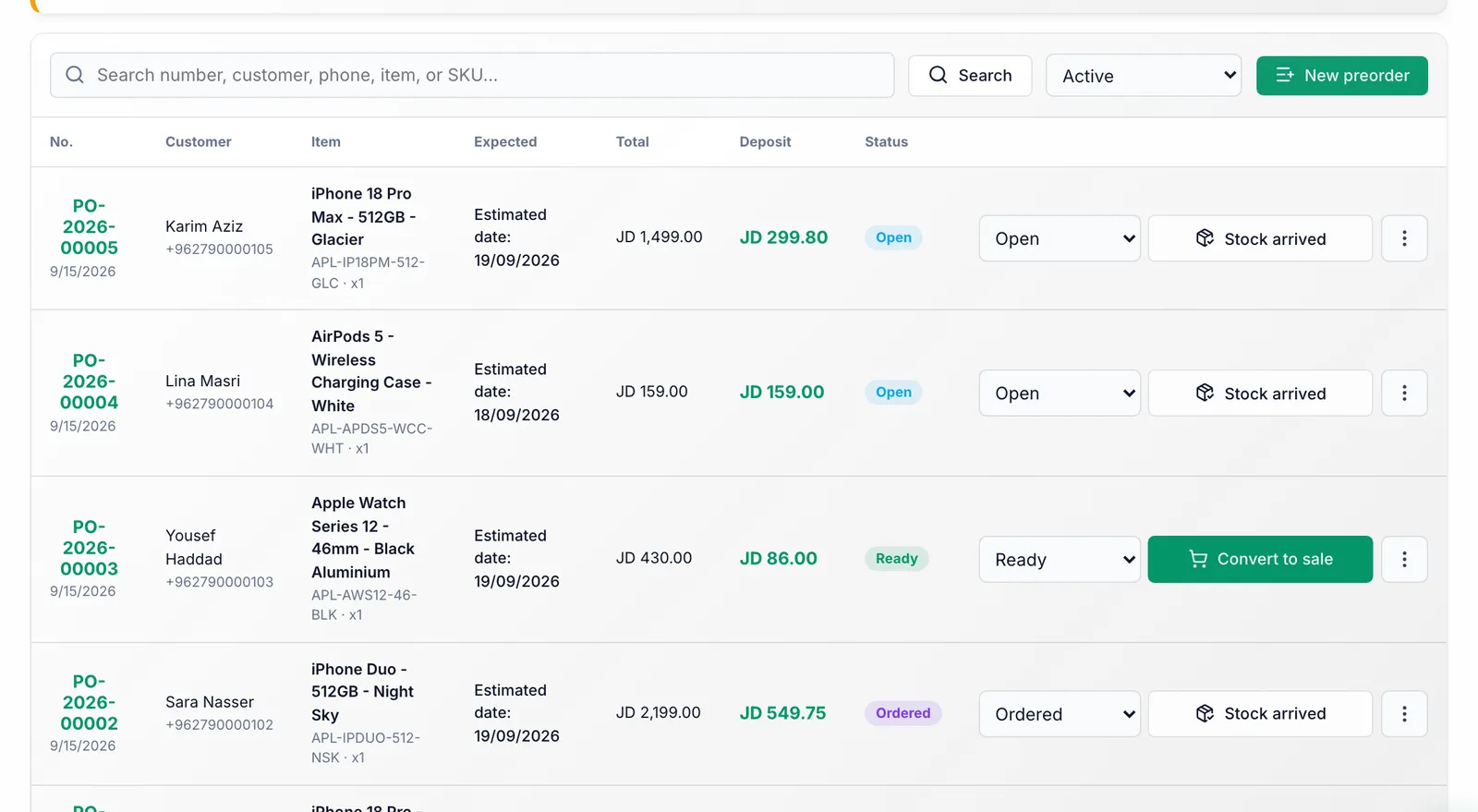
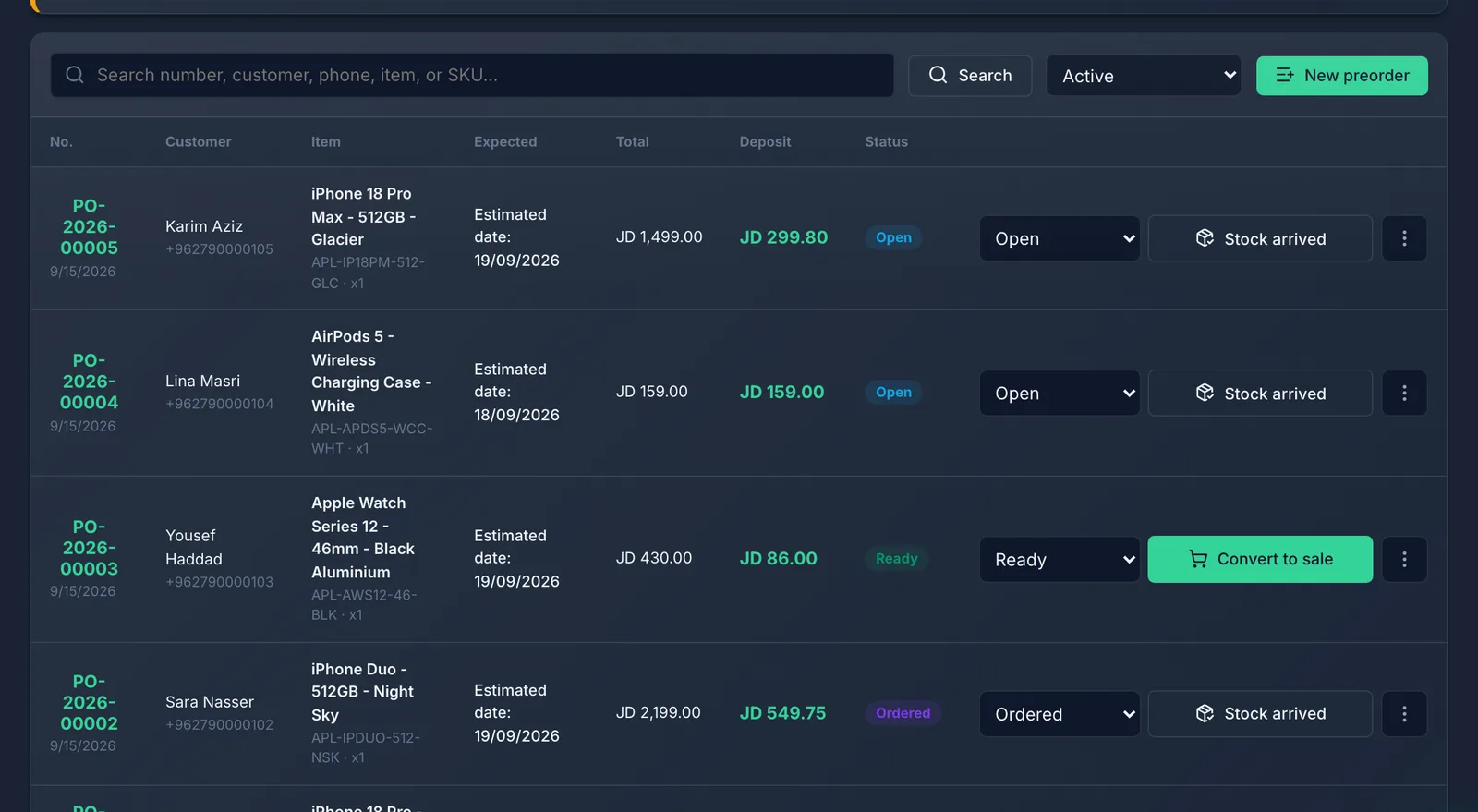
Tell the customer: open the ⋮ menu on the order and choose Send by WhatsApp.
What you should see
When every device on the order is in, it becomes Ready. If only some arrived, the order stays Ordered and the row shows how many are in (for example "2/3 arrived"). Nothing is added to your stock — the preorder only tracks the order, so keep counting the devices the way you already do.
Common mistakes
- Pressing it before the devices are actually in your hands. The customer gets called in for nothing.
- Giving a partial delivery to the branch that shouts first. A customer at another branch may have been waiting much longer — check Distribution priority.
- Marking the wrong order as arrived. Undo it in the status box on the order's row: pick Ordered (or Open if it was never ordered from the supplier). This works when the row shows Partial too.