

Add the shops you buy from
Save your suppliers so the buying list can tell you what to order from whom.
What you need first
- Signed in as the store owner — the Control Panel is owner-only.
Steps
Open Preorders and click Control Panel.
Open the Shops tab and click Add shop.
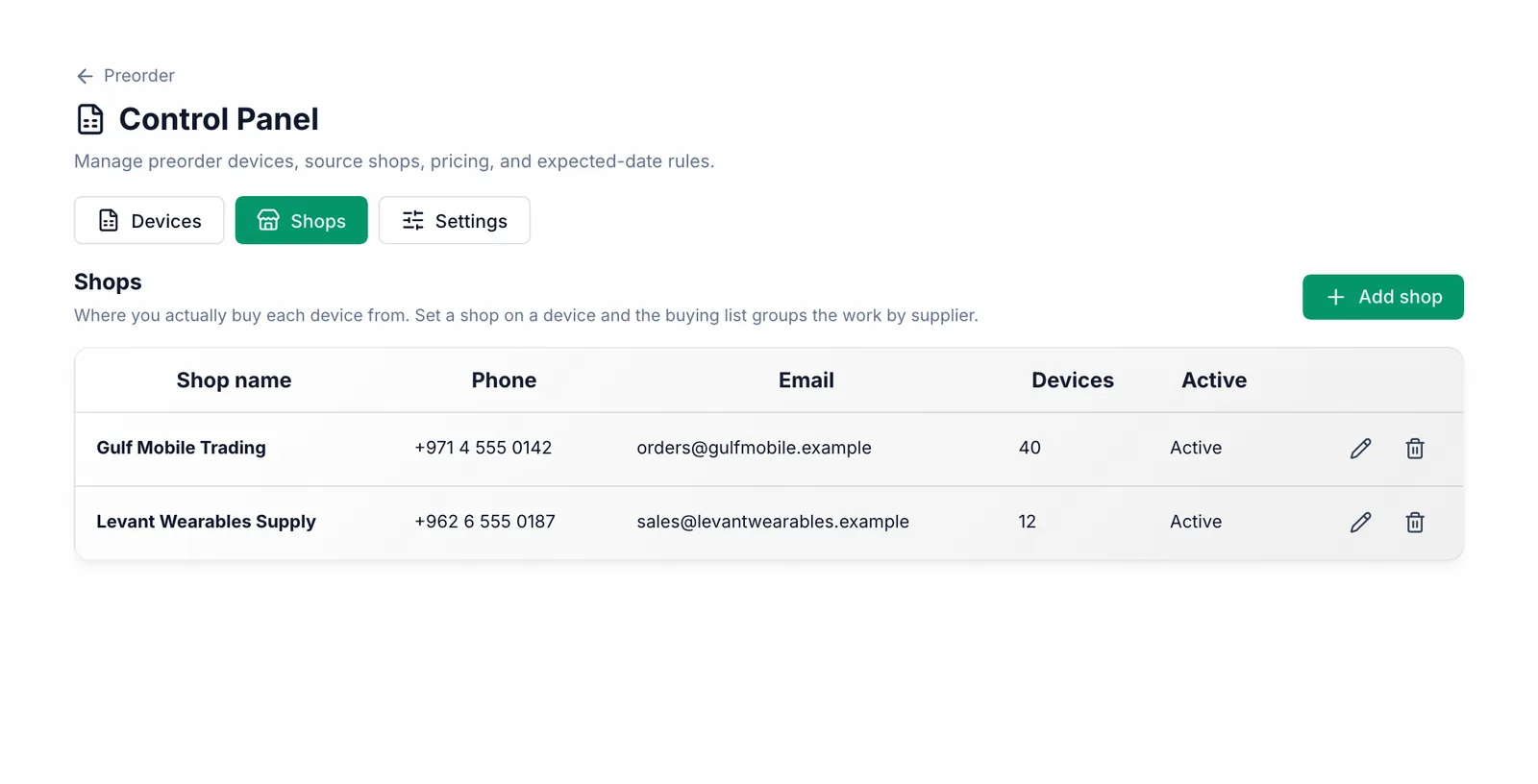
Type the shop name. Phone, email and website are optional but save you looking them up later. Click Save.
Go back to Devices, edit a device, open More options and pick its Shop. Click Save.
What you should see
The shop appears in the list with how many devices you buy from it, and the buying list groups those devices under it.
Common mistakes
- Leaving devices without a shop. The buying list then warns that nobody knows where to order them from.