

Order devices with the buying list
See how many of each device to buy, from which shop, and mark them as ordered.
What you need first
- Open preorders with deposits.
- A shop set on each device (see "Add the shops you buy from").
Steps
Open Preorders and click Buying list.
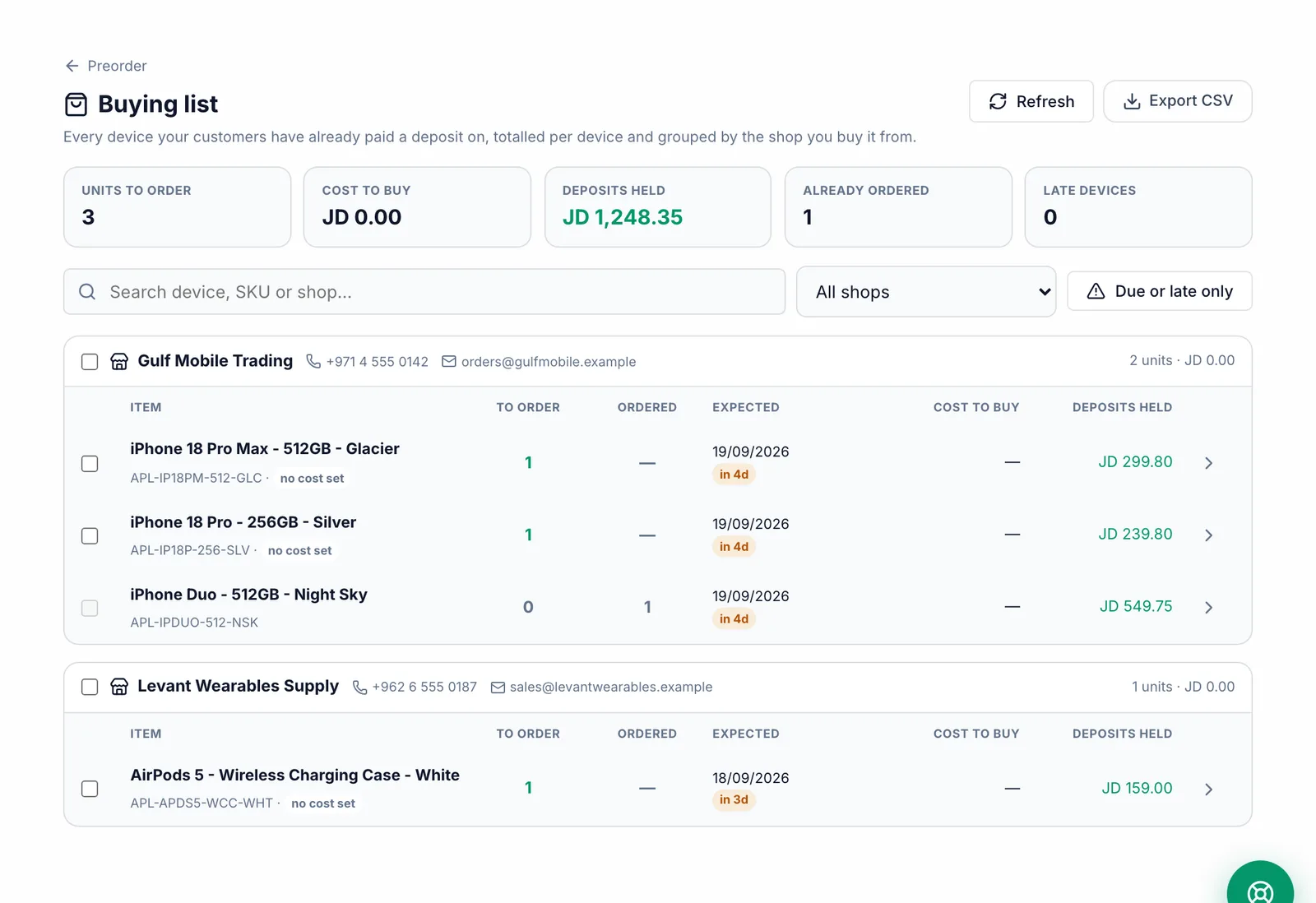
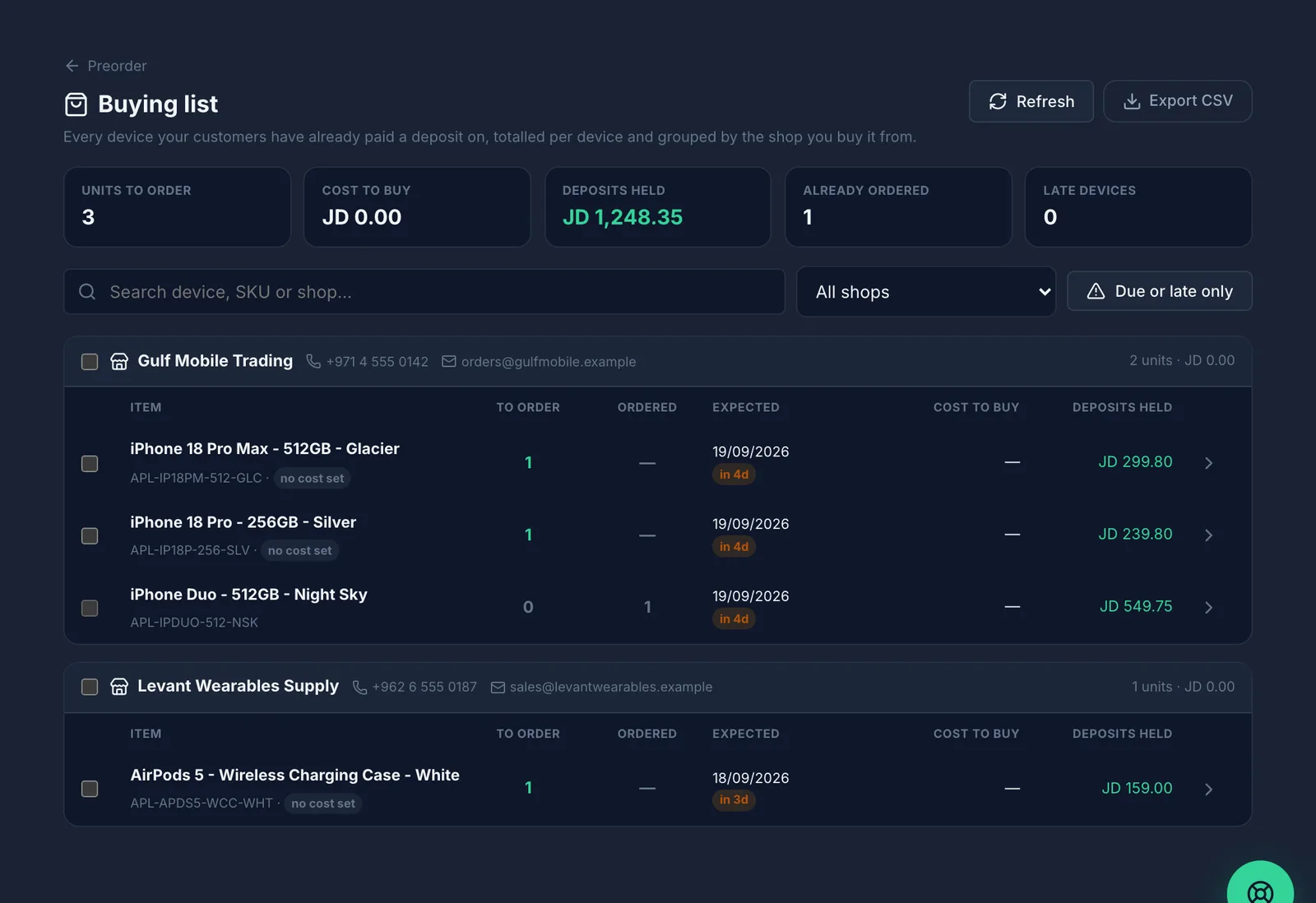
Devices are totalled and grouped by shop, with the units to order, the cost to buy and the deposits already held. Use Due or late only to see what is urgent.
Select the devices you are ordering, or select a whole shop at once.
Click Mark as ordered, add the Supplier order reference and Shipment tracking URL if you have them, and confirm.
What you should see
Those preorders move to Ordered and leave the "to order" list, so nobody orders the same device twice.
Common mistakes
- Ordering from the supplier but not marking the orders — the devices stay on the list and may be ordered again.