

Take a preorder
Record the device, the customer and the deposit in four short steps.
What you need first
- Devices in your catalog.
Steps
Open Preorders and click New preorder.
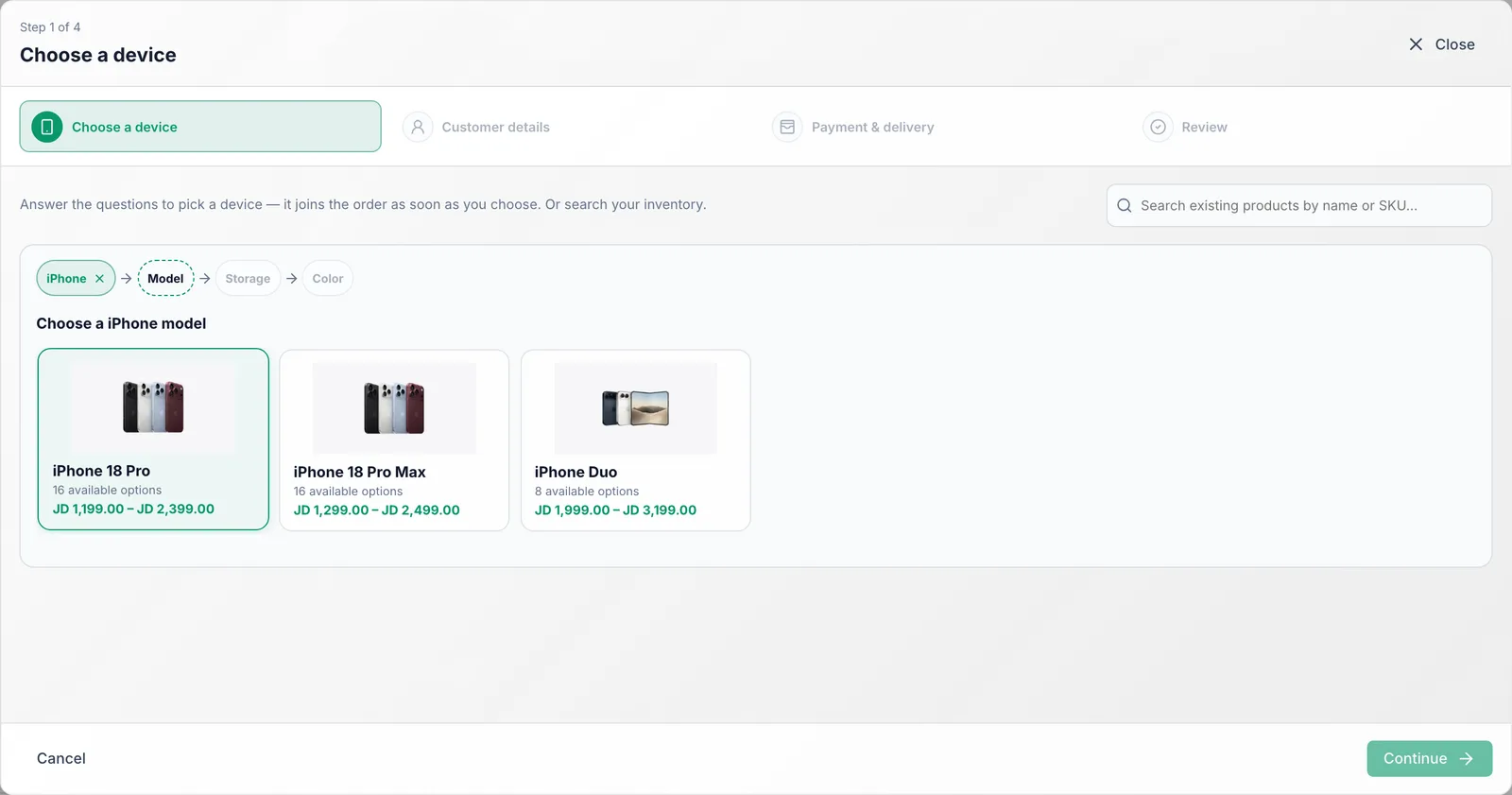
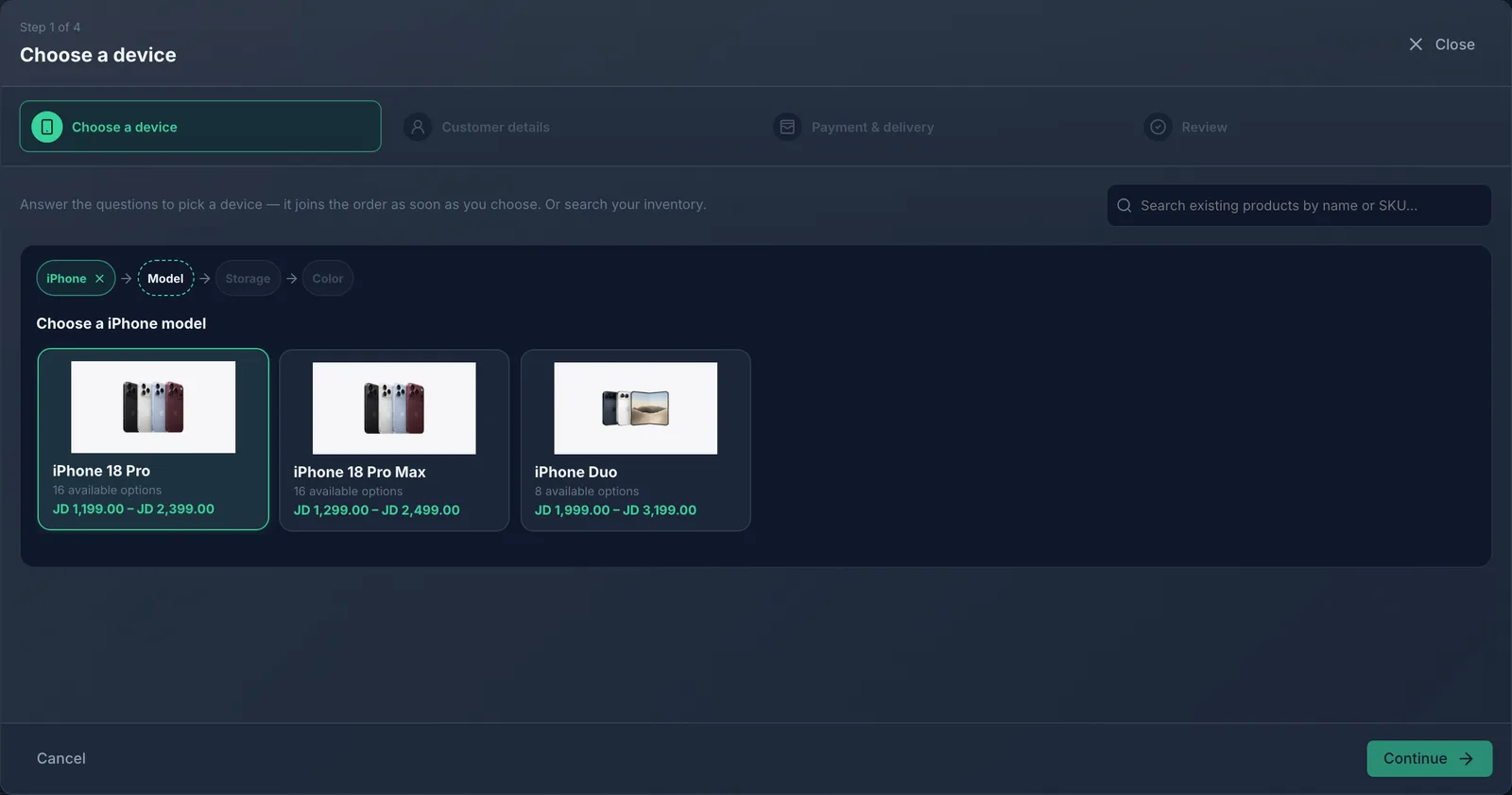
Choose the device by answering the questions: type, model, storage, color. It joins the order as soon as you choose. Add more devices the same way if needed.
Click Continue and enter the customer name and phone. A returning customer is found from the phone number.
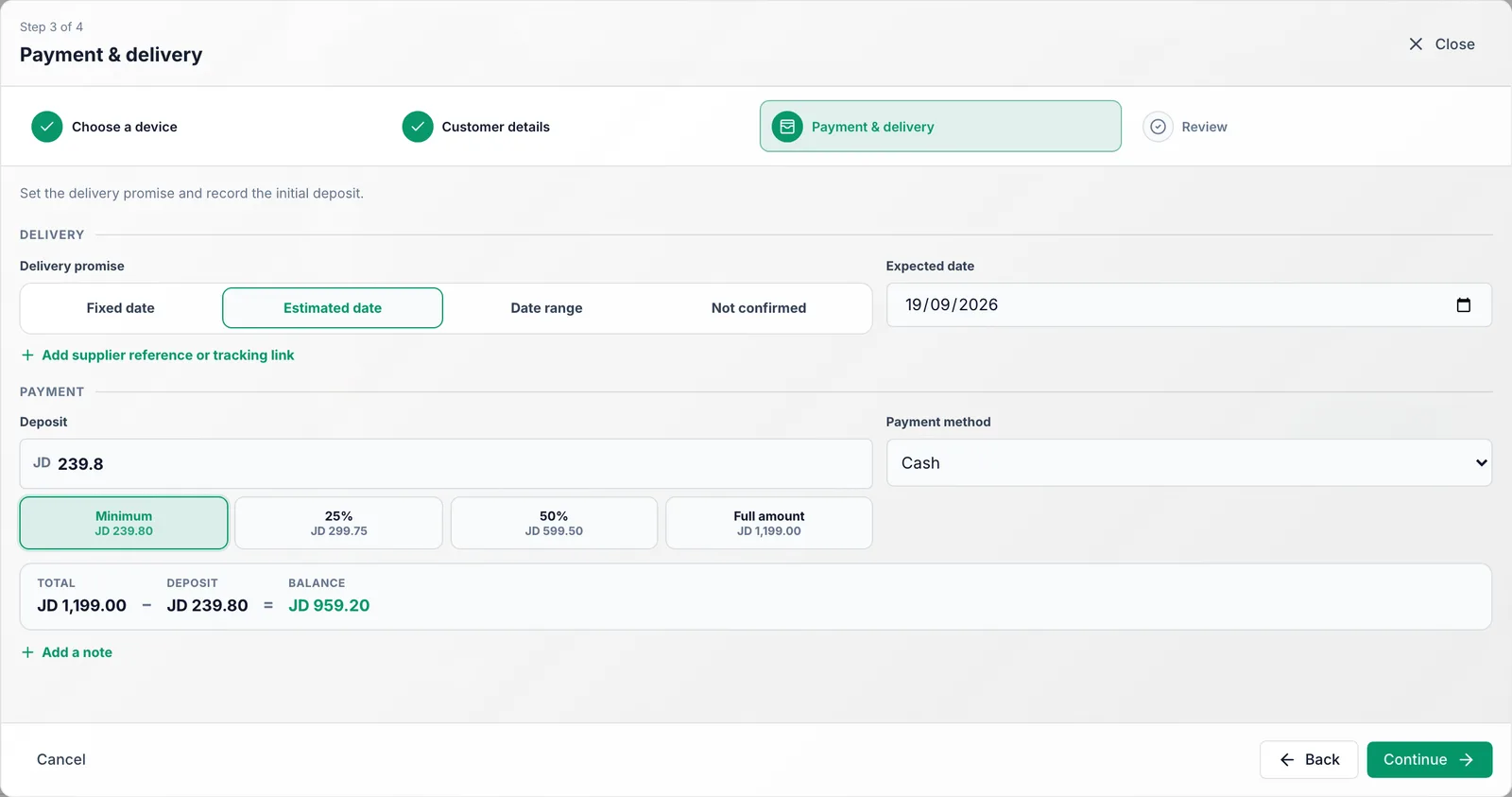
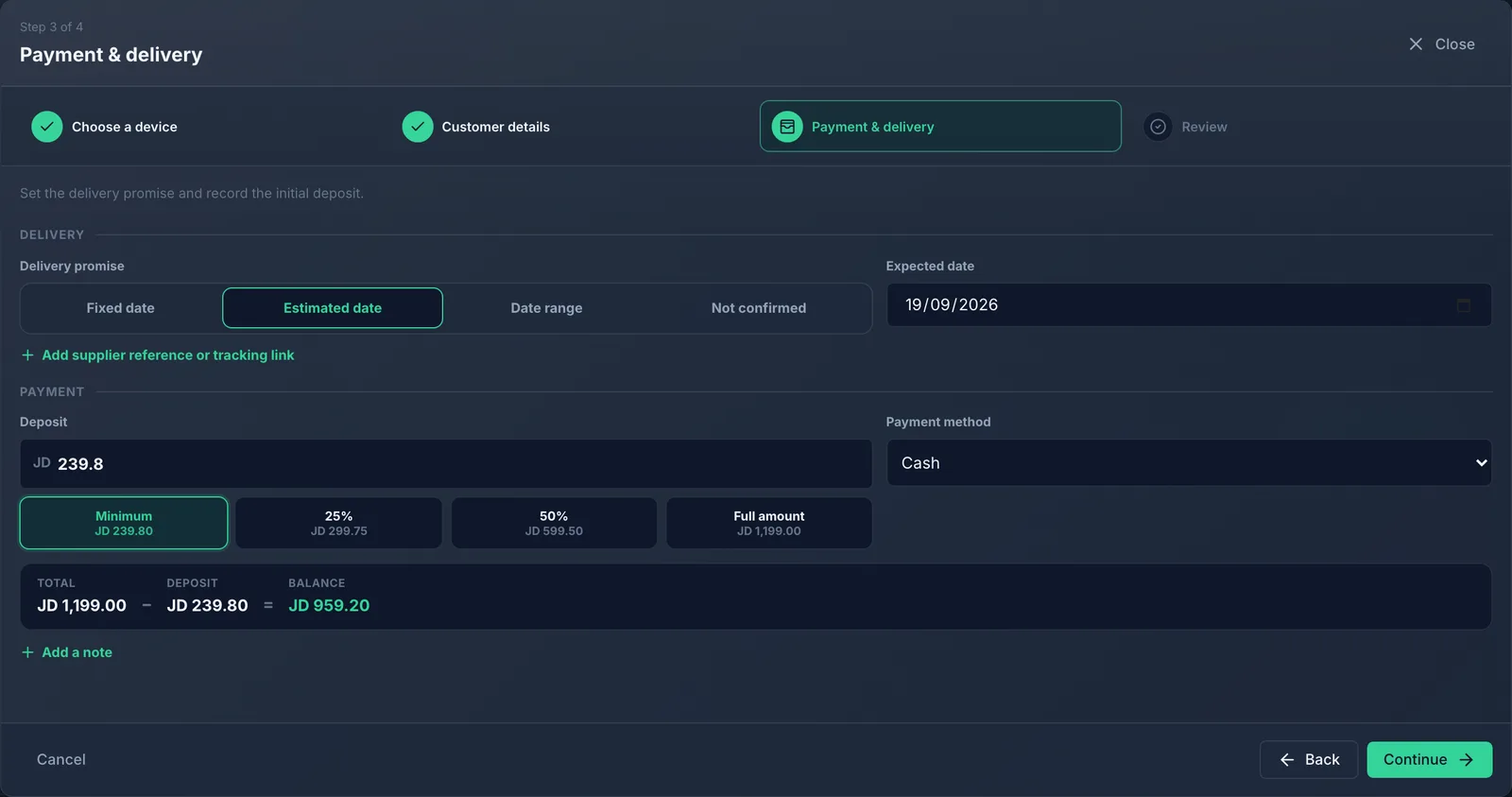
In Payment & delivery, set the Delivery promise, the Deposit and the Employee who took the order. Cash or card asks for the device's Minimum deposit, or 100 when the device has none (never more than the order total). A VIP payment method asks for nothing. The shortcut buttons fill the box for you.
Check everything in Review and click Create preorder. Then Print the slip or Send by WhatsApp.
What you should see
The preorder appears in the list as Open, with the deposit recorded and a number like PO-2026-00001 printed as a barcode on the slip.
Common mistakes
- Skipping the phone number. You need it to tell the customer when the device arrives.
- Choosing "Fixed date" when the supplier has not confirmed. Use "Estimated date" or "Not confirmed" instead.